 Novrix Sports
More
Backing up and moving to a new phone
Save everything to a file and restore it on another phone.
Everything you do in the app is saved on your phone only, with no account. A backup is a single file you keep somewhere safe.
Make a backup
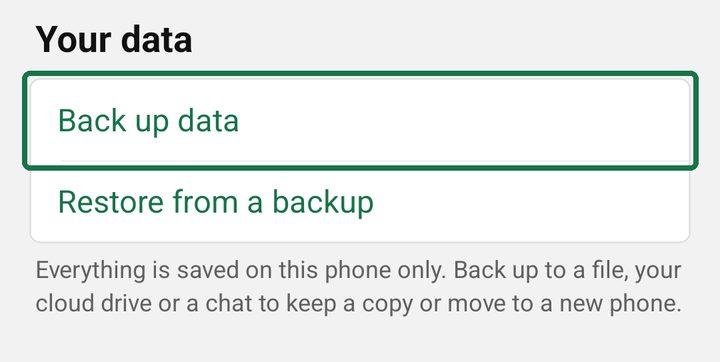
- Open the Settings tab and, under Your data, tap Back up data.
- Your phone’s share sheet opens with a file named like novrix-backup-2026-10-20.json. Save it to your files or cloud drive, or send it to yourself in a chat.
It holds your queue and regulars, past sessions, planned queues, tournaments, your Learn progress and your settings.
Restore it on a new phone
- Install Novrix Sports on the new phone.
- Get the backup file onto it (from your drive or chat).
- Open Settings → Your data → Restore from a backup, and choose the file.
- Check the date and tap Restore.
Restoring replaces everything on that phone with what’s in the backup. It doesn’t merge the two. If a restore fails, your data stays as it was.
If it doesn’t work
- “This file isn’t a Novrix Sports backup”: pick the .json file the app made.
- “This backup is from a newer version of the app”: update the app on this phone, then try again.
A live board that’s running isn’t part of a backup: start a new one on the new phone.